Claims FNOL
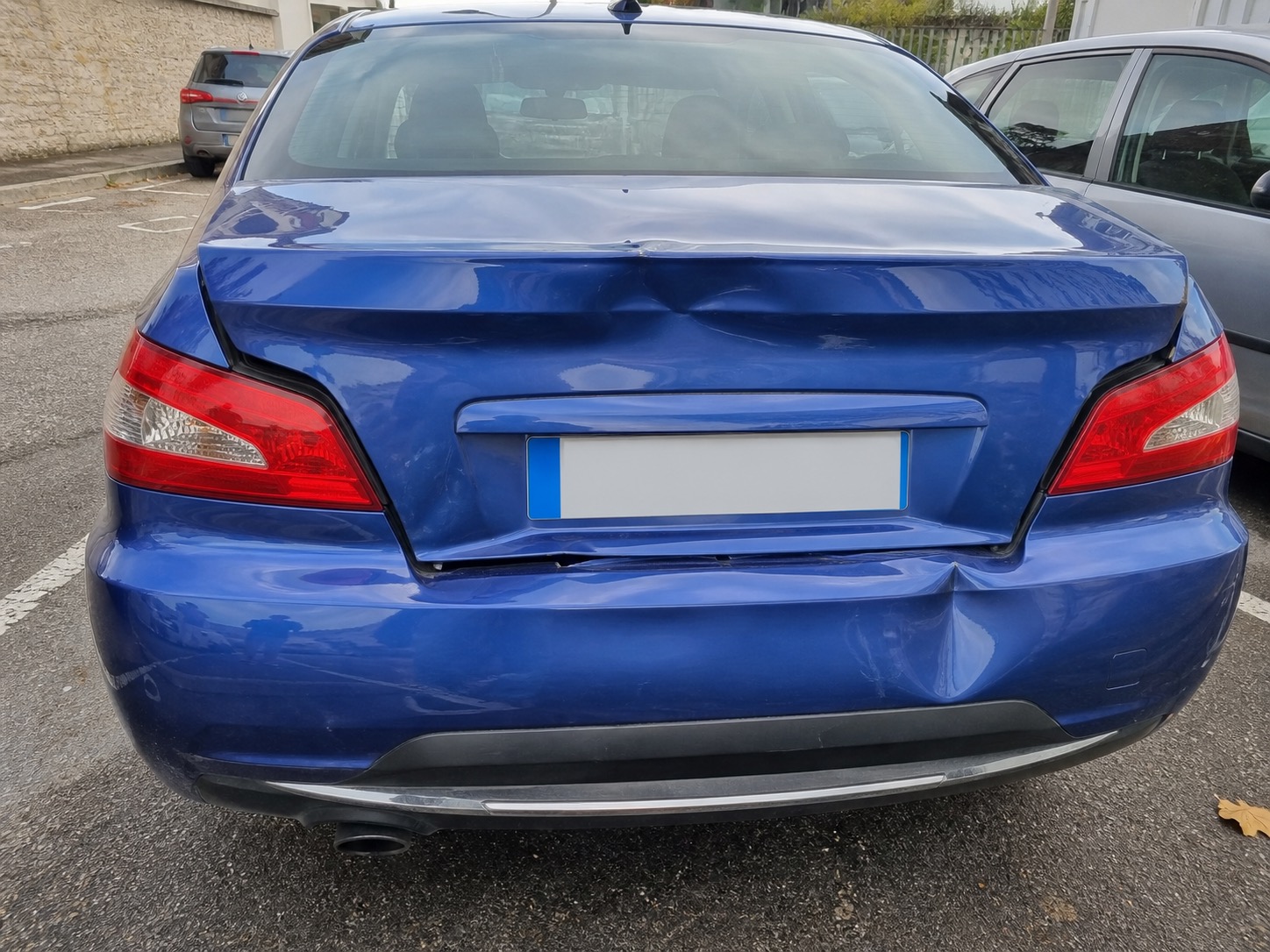
First Notice of Loss is the moment a claim is born. This demo shows the full filing experience: upload damage photos (vision 450M), describe the incident by voice (audio 1.5B), attach documents, and watch structured fields auto-fill. A fine-tuned 350M classifier then surfaces the gray zone — eligibility uncertainty, missing evidence, and denial-driving gaps — with every coaching word from a legal-vetted catalog, not an LLM. The policyholder's data never leaves the device.
The Problem
The clean-claim path is mostly solved. What carriers struggle with is the gray zone: eligibility uncertainty, missing evidence, denial-driving ambiguity, and avoidable appeals. Cloud LLMs hallucinate legal language. Rule checklists miss narrative gaps. Neither can be trusted in regulated claims workflows.
How LFM Compares
Manual FNOL intake (15-20 min/call) with rule-based checklists that miss nuanced gaps, or cloud LLMs that hallucinate policy language and create a data-residency paradox by sending PII off-premise to detect coverage issues.
What LFM Unlocks
Three on-device models — vision (450M), audio (1.5B), and classifier (350M) — turn photos, voice notes, and documents into a filing-ready FNOL packet in seconds. A legal-vetted catalog provides all coaching language. No hallucination. No PII off-premise. Full audit trail.
Step 1 of 5 · Report
Select the loss scenario
Each preset seeds the claim with realistic evidence — photos, documents, and a voice narrative — so you can see multi-modal extraction and coaching end-to-end. The preset fills ~80% of the FNOL form; you provide the rest.
Loss scenario
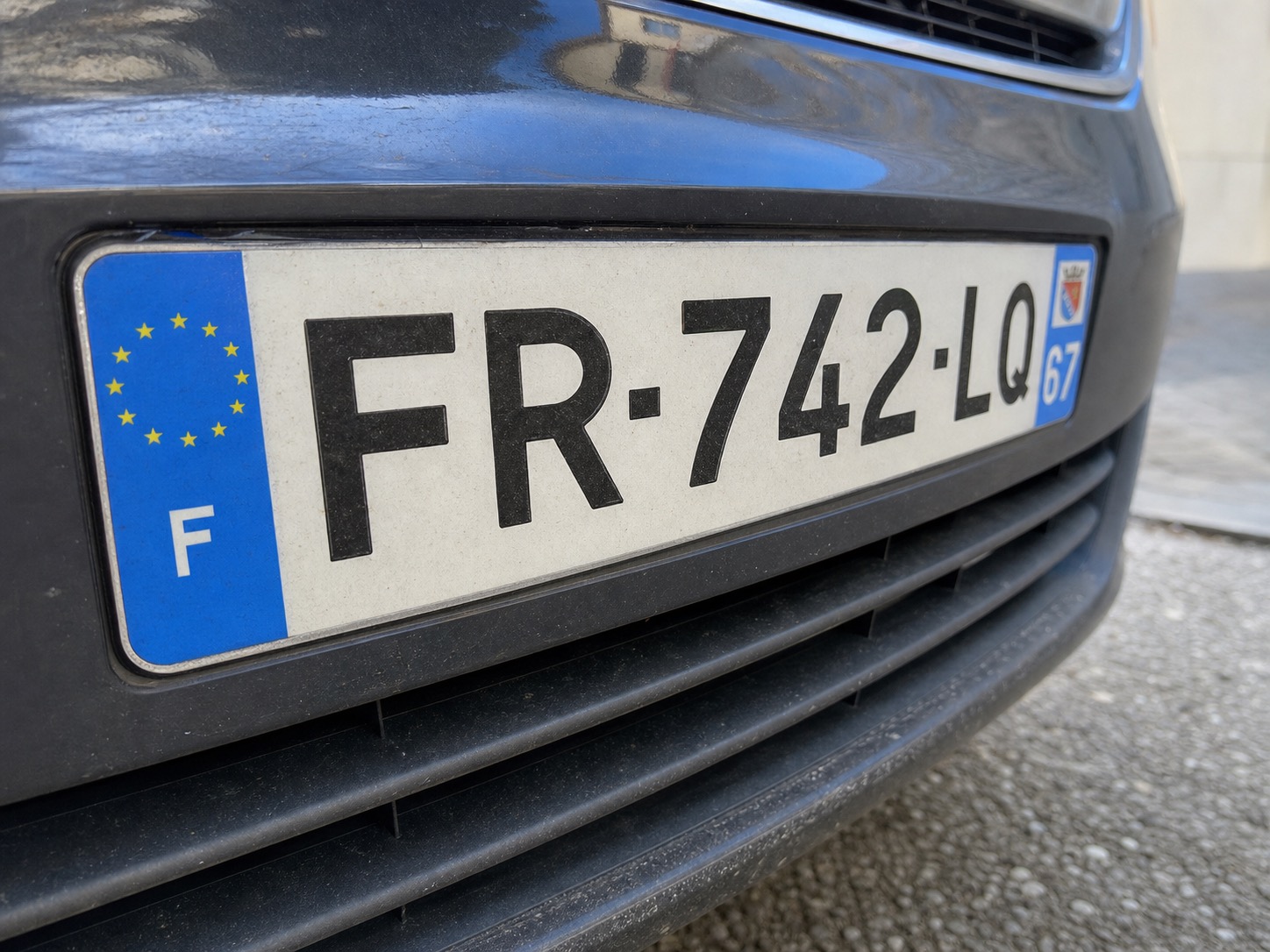
Each scenario seeds the claim with real-world evidence — damage photos, policy documents, and an incident voice note. See how vision, audio, and classifier models turn messy inputs into a filing-ready FNOL packet.
What the preset fills
95%21 of 22 required fields auto-filled from 4 evidence items. You'll provide the remaining 1 via photo, document, or voice in the next step.
Still needed
Preset evidence checklist
All default evidence is selected. Start a guided extraction pass now, or review the evidence first if you want to exclude a source.
This demo is fine-tuned on sample data. Results improve with your data.